

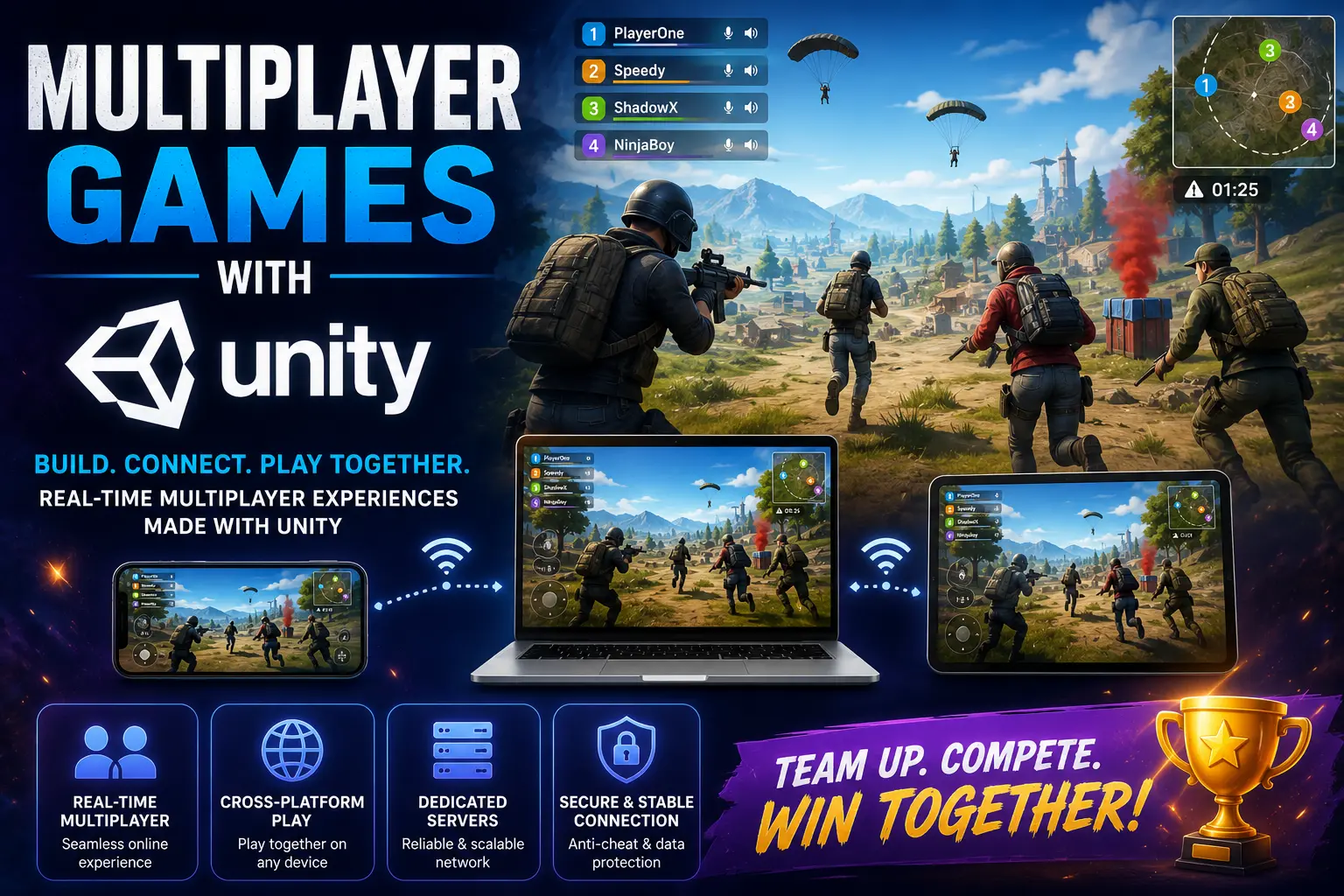
Creating multiplayer games with Unity – the ultimate guide for game developers (2026)
Introduction
Multiplayer games have been among the most rapidly growing categories in the world of video games, with thousands of gamers joining daily in either competitive or cooperative mode of play. Other than battle royale games or shooters, developers may consider introducing network functionalities in other genres, including but not limited to racing games, sports games, and even party games.
In today's video game industry, creating online multiplayer games is an integral part of the process of developing games in the Unity Engine, as this is arguably one of the most versatile game engines currently used. Indeed, developers may apply different networking solutions, enabling multiplayer functionality in battle royale, racing, and even party games on different platforms, including Android, iOS, Windows, and even console versions.
The ultimate guide will cover all the important topics related to multiplayer games with Unity, such as basic networking, real-time multiplayer architecture, Photon Fusion vs PUN 2, network lobbies and matchmaking, leaderboards, optimization, and even monetization approaches.
Why Is Unity Good for Multiplayer Game Development?
Unity has been regarded as one of the greatest platforms where developers can create their games using multiplayer features because:
- Cross-platform multiplayer feature
- Scalable multiplayer feature
- Real-time synchronization
- Multiplayer game development for mobile and PC platform
- Multiplayer game development framework
- A large multiplayer game development community
Whether you want to create a multiplayer casual mobile game or first-person shooting game, Unity will be there for your help.
Multiplayer Games in Unity
In multiplayer games, players will be able to interact through an internet or LAN connection in a single virtual world.
Types of Multiplayer Games
Real-time Multiplayer Feature
The interaction of the player happens in real-time.
Example:
- First-person shooter games
- Racing games
- Battle royale games
- MOBA games
Turn-based Multiplayer
Players turn around in playing the game, unlike playing the game in real time.
Examples:
- Card games
- Chess games
- Strategy games
Cooperative Multiplayer
Players play together with the aim of attaining the same objective.
Examples:
- Survival games
- Dungeon games
- Party games
Unity plays a major role in supporting all sorts of multiplayer games.
Real-Time Multiplayer in Unity
What Is Real-Time Multiplayer?
Real-time multiplayer means all players participate in the game world simultaneously through synchronous playing of the game.
Features of Real-Time Multiplayer include:
- Player movement
- Combat in real time
- Synchronization
- Interaction in online mode
- Multiplayer physics
A good network is key to playing real-time multiplayer to reduce lagging.
Unity Networking Basics
Networked multiplayer games work via communication between clients and servers.
Basics of Networking
Client
Game running on the player's machine.
Server
Managing game mechanics, synchronization, and player information.
Host
A client and a server run on the same player machine.
RPC (Remote Procedure Call)
Used to send actions across the network.
Latency
The time taken between player action and the server's response.
It is necessary to know about them before entering into multiplayer games in Unity.
Photon Fusion vs PUN 2
What Is Photon?
One of the best networking systems for creating multiplayer games in Unity is called Photon, developed by Exit Games.
Photon has various frameworks for multiplayer games:
- Photon Fusion
- Photon PUN 2
- Photon Quantum
- Photon PUN 2 (Photon Unity Networking 2)
What Is PUN 2?
Photon PUN 2 is an easily accessible multi-player architecture for Unity.
It lets you do:
- Room creation
- Player synchronization
- Matchmaking
- Multiplayer communications
Photon PUN 2 is ideal for:
- Casual multi-player games
- Small multiplayer games
- Novice multi-player designers
PUN 2 Features
- Easy set-up process
- Cloud hosting of servers
- Lobby feature
- Matchmaking system
- RPC Multiplayer Communications
- Multiplayer on multiple platforms
The primary reason why PUN 2 is a favorite among indie game developers is that it's easy.
PUN 2 Advantages
- Very beginner-friendly
- Simple implementation
- Good documentation
- Best for small scale multiplayer
Disadvantages of PUN 2
- Cannot scale up for competitive multiplayer
- Lag when dealing with complicated multiplayer
- Not many predictive features
For large-scale real-time multi-player games, Photon Fusion should be considered.
Photon Fusion
Definition of Photon Fusion?
Photon Fusion is the most recent platform used for the development of real-time multiplayer games.
Photon Fusion supports:
- Competitive games
- Action games
- Advanced prediction systems
- Server authoritative networking systems
The performance levels of photon Fusion are incredibly better than those found in earlier networking platforms.
Characteristics of Photon Fusion
- Tick-based networking
- Lag compensation
- State synchronization
- Client prediction
- Dedicated server support
- Scalable
Photon Fusion is ideal for multiplayer Unity games.
Advantages of Photon Fusion
- Low latency
- High synchronization
- Movement prediction
- Scalability
- Best choice for esport and competitive games
Multiplayer Rooms and Lobbies Creation
Definition of Lobby System
The Lobby system enables players to;
- Join multiplayer rooms
- Invite friends
- Select game modes
- Wait until games commence
The lobby system revolutionizes the multiplayer gaming world.
Essential features of an Excellent Lobby system
Room creation
Players should be able to form their own rooms.
Private room
Password-protected multiplayer rooms.
Public matchmaking
Matchmaking without any manual process.
Region-selecting
Matching players to nearby servers.
Implementing the lobby system in Unity with photon is relatively easy.
Matchmaking in Unity
Matchmaking Explained
Automatic matching of players to multiplayer sessions.
Proper matchmaking should result in an improvement in:
- Player retention rate
- Balancing
- Quality of matches
Types of Matchmaking
Skill-based
Matching players based on their skills.
Region-based
Connecting players to local servers.
Party-based
Multiple players entering multiplayer sessions.
Most modern multiplayer Unity games use all these types of matchmaking.
Leaderboards in Multiplayer Games
The Need for Leaderboards
Leaderboards support:
- Healthy competition
- Engagement
- Retention
- Social interaction
Most players love to compete with others.
Types of Leaderboards
Global
Leaderboard covering the entire world
Regional
Country/region-based
Friends
Ranking players based on friend lists
Leaderboards can be made using:
- PlayFab
- Firebase
- Photon
- Custom server
Multiplayer User Synchronization in Unity
User synchronization ensures players see the same state of the game.
Typical Synced Objects
- User position
- Health system
- Animations
- Weaponry
- Physics interactions
Tips for Multiplayer Game Optimization
Optimization is necessary for multiplayer games.
1. Minimize Network Consumption
Lag caused by too much network usage.
Optimization Methods
- Data compression
- Selective updating
- No synchronization where unnecessary
2. Utilize Client Prediction
It improves user experience through client-side prediction.
Photon Fusion handles client prediction effectively.
3. Physics Optimization
Heavy physics simulation impacts performance.
Tips
- Complex collision shapes
- Fewer physical entities
- Optimized simulation engines
4. Server Optimizations
Dedicated servers contribute to the stabilization of multiplayer games.
Use:
- Cloud servers
- Load balancing methods
- Servers near players
Multiplayer Game Security
Security in online multiplayer games is very important.
Threats to Multiplayer Games
- Game cheating
- Game hacking
- Data packet manipulation
- Game speed hacks
Considerations
- Server-side validation of user inputs
- Encryption
- Detection of suspicious behavior
Securing multiplayer games increases trust.
Monetization Strategies for Multiplayer Unity Games
Multiplayer games earn money through:
In-app purchases
Some common in-app purchases are:
- Skin customizations
- Battle pass skins
- Custom cosmetic items
- Currencies
Ad-based monetization
Best Ad Types in Games
Best ad types for multiplayer games include:
- Rewarded video ads
- Interstitial ads
- Banner ads
Monetizing Multiplayer Games Using In-game Seasons & Events
Multiplayer Types That Can Be Developed With Unity
Games developed by utilizing Unity consist of:
- Battle royale games
- First-person shooter games
- Racing games
- Sports games
- MOBA games
- Survival games
- Cooperative games
- Party games
Because of its flexibility, Unity is suitable for all genres of multiplayer games.
Future Outlook for Multiplayer Games Based on Unity in 2026
Features that could be introduced in multiplayer games in the future would include:
- Cloud-based gaming
- AI-driven matching technology
- Cross-platform multiplayer games
- Anti-cheating systems
- Advanced dedicated server support
- Real-time voice chat
- Metaverse integration
Unity is one of the leading game engines in the context of online multiplayer gaming.
Conclusion
There are incredible opportunities that can be gained through the usage of Unity while creating multiplayer games for today's game developers. The employment of networking options like Photon Fusion and PUN 2 allows game developers to create exciting multiplayer games which have such advanced features as lobbies, matchmaking systems, and leaderboards.
Whatever type of game you wish to develop (casual online games or competitive multiplayer games), Unity is the solution for your success.
Unity should definitely become the choice of those game developers who want to enter the market of multiplayer games in 2026.
Frequently Asked Questions (FAQ)
Is Unity good for multiplayer game development?
Unity is excellent for creating multiplayer games because of its compatibility and network functionality, such as Photon Fusion and PUN 2.
Which one is better? Photon Fusion or PUN 2?
Photon Fusion outperforms PUN 2, while PUN 2 is easier to use compared to Photon Fusion.
Can Unity create real-time multiplayer games?
Unity can create real-time multiplayer games that incorporate synchronization, matchmaking, and gaming.
What are lobbies in multiplayer games on Unity?
Multiplayer games enable players to create and participate in multiplayer games by inviting others to join.
Do you need leaderboards for multiplayer games?
Yes, leaderboards are important for multiplayer games.


